
Protect your CCTV from hacking by changing every default password, using a strong unique one, updating firmware, avoiding port forwarding in favour of the manufacturer's cloud service or a VPN, separating cameras on their own network, and turning off services you do not use.
A security system that can be hacked is worse than none, because it gives you false comfort and an attacker a window into your premises. The good news is that a few basic steps stop the vast majority of attacks. Here is what we configure on every installation and what you can check on yours.
Change default passwords immediately
Default usernames and passwords are the first thing attackers try. Set a strong, unique password of at least 12 characters for the recorder, each camera and the app. Do not reuse passwords from email or social accounts, and avoid obvious ones such as company name and year.
Keep firmware up to date
Manufacturers release firmware updates that close security weaknesses. Check for updates regularly and apply them during a quiet period. Old, unsupported devices should be replaced, because they no longer receive fixes and become the easiest target on the network.

Do not expose your recorder to the internet
Opening ports on the router so you can view from outside exposes the recorder to the whole internet. Use the manufacturer's cloud service with a verification code, or a VPN, instead. Turn off UPnP and any remote services you do not need, so the system only talks where it should.
Separate cameras from the rest of your network
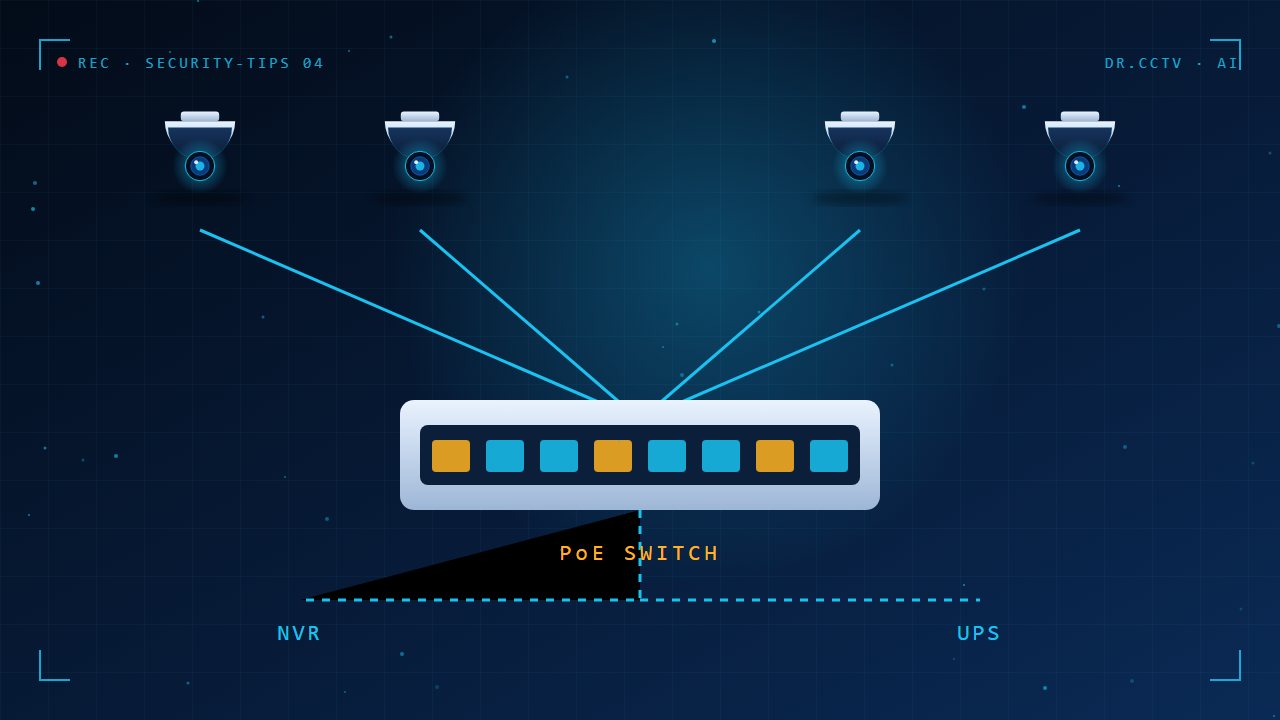
Place cameras and the recorder on their own VLAN or a dedicated switch, so that a compromised device cannot reach your computers and files. PoE switches make this easy. A separate network also helps performance, because video traffic does not compete with everyday use.

Control access and review it
Create individual accounts rather than sharing one login, give each person only the permissions they need and remove users who leave. Check the recorder's log for unknown logins. Enable alerts for failed sign-ins if your system supports them.

Key takeaways
- Change default passwords and use strong unique ones.
- Update firmware and replace unsupported devices.
- Avoid port forwarding; use cloud service or VPN.
- Isolate cameras on their own network.
- Use individual accounts and review logs.
Further reading
Related articles from our blog:
- How to view your CCTV on your phone
- CCTV maintenance checklist for business owners
- NVR vs DVR: what is the difference?
Trusted external sources: MyCERT, Malaysia's cyber emergency response team and CISA: securing IoT and network devices.
Frequently asked questions
Can CCTV cameras really be hacked?
Yes, usually through default passwords, outdated firmware or devices exposed directly to the internet. Good setup prevents most attacks.
Is Wi-Fi CCTV less secure than wired?
Not inherently, but Wi-Fi depends on the router's security. Use WPA2 or WPA3 with a strong password, and prefer wired PoE where possible.
Can Dr. CCTV secure my existing system?
Yes. We can audit passwords, firmware and network settings and fix weaknesses. Contact us to arrange a check.
Need help choosing?
Dr. CCTV by Yury Tech Sdn Bhd designs and installs CCTV, AI cameras, access control and alarm systems across Johor Bahru. Explore: Network & Power, contact us, or book a free site survey and we will recommend the right system for your property.