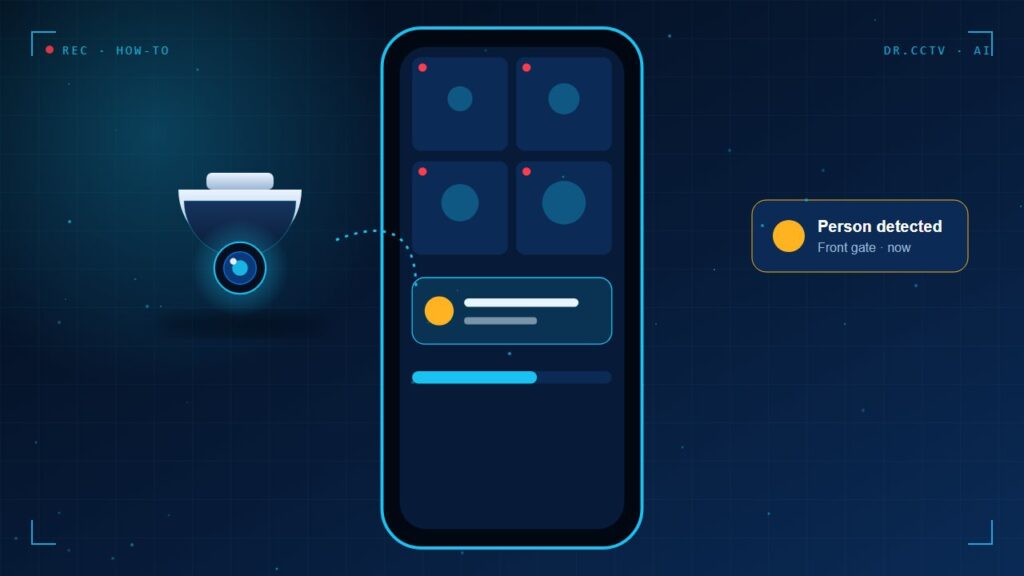
To view CCTV on your phone, connect the recorder to your router, install the manufacturer's app, add the device by QR code or serial number, and set a strong verification code. Use the cloud service of the app instead of opening router ports, then turn on push notifications for people and vehicle alerts.
Watching your home or shop from anywhere is one of the best reasons to have CCTV, and it is simpler than most people think. With the right setup it takes about ten minutes, and it can be done without weakening your network security. Follow these steps.
Step 1: Connect the recorder to the internet
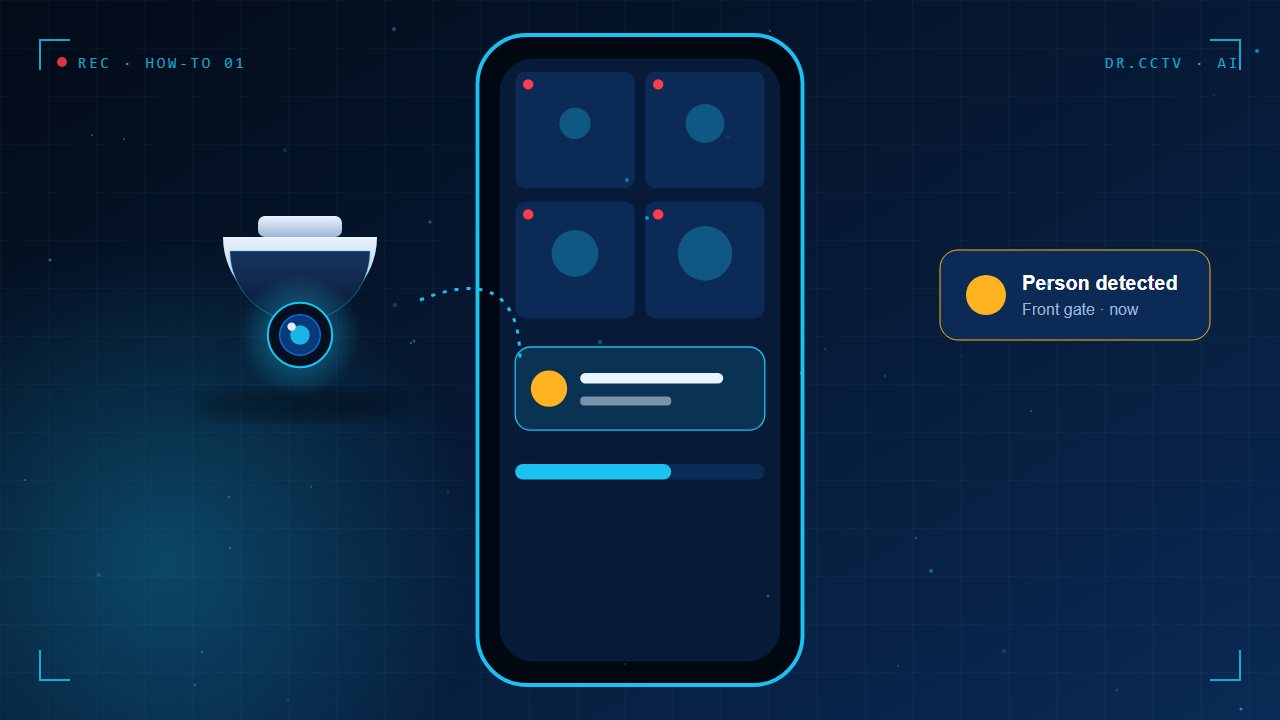
Plug the recorder into your router with a network cable, and check that it gets an IP address automatically. A wired connection is more reliable than Wi-Fi for a device that runs all day. Make sure the date, time and time zone are correct so that alerts and playback match real events.
Step 2: Install the app and add your device
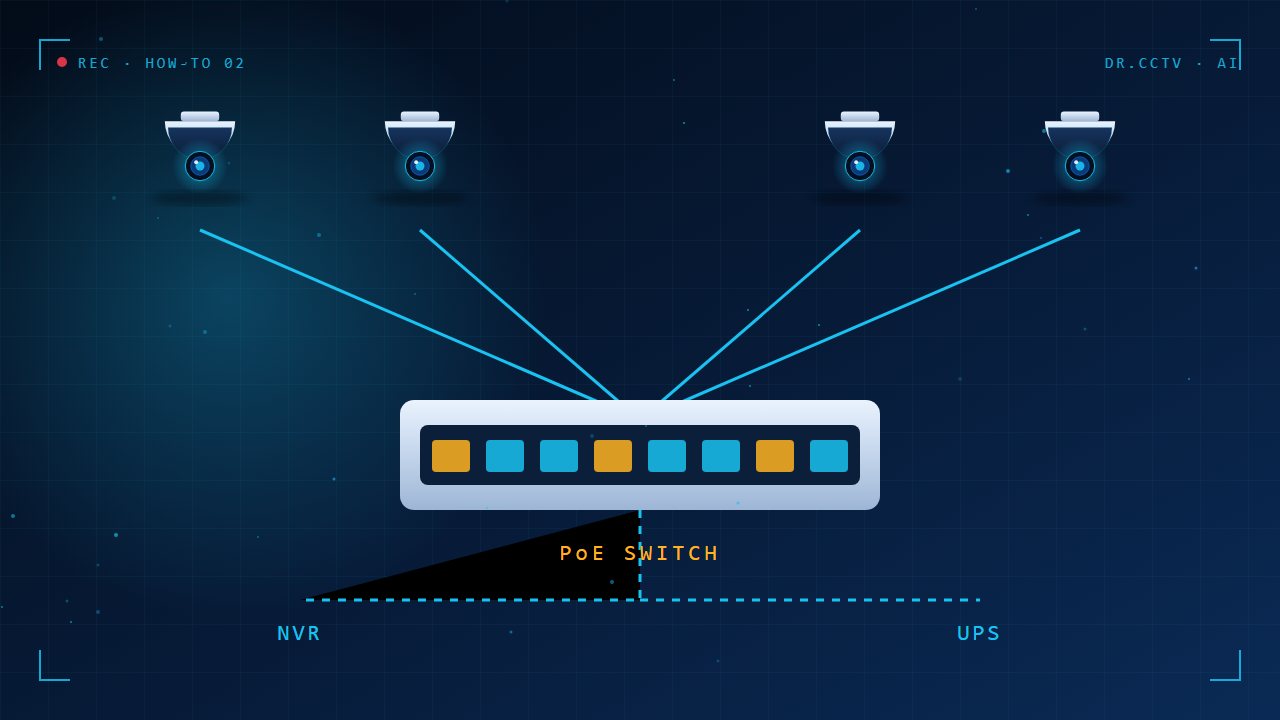
Install the official app for your brand, such as Hik-Connect for Hikvision systems. Create an account, tap add device, and scan the QR code on the recorder or enter its serial number. Choose a strong verification code and write it down in a safe place, because it protects your video streams.
Step 3: Turn on smart alerts
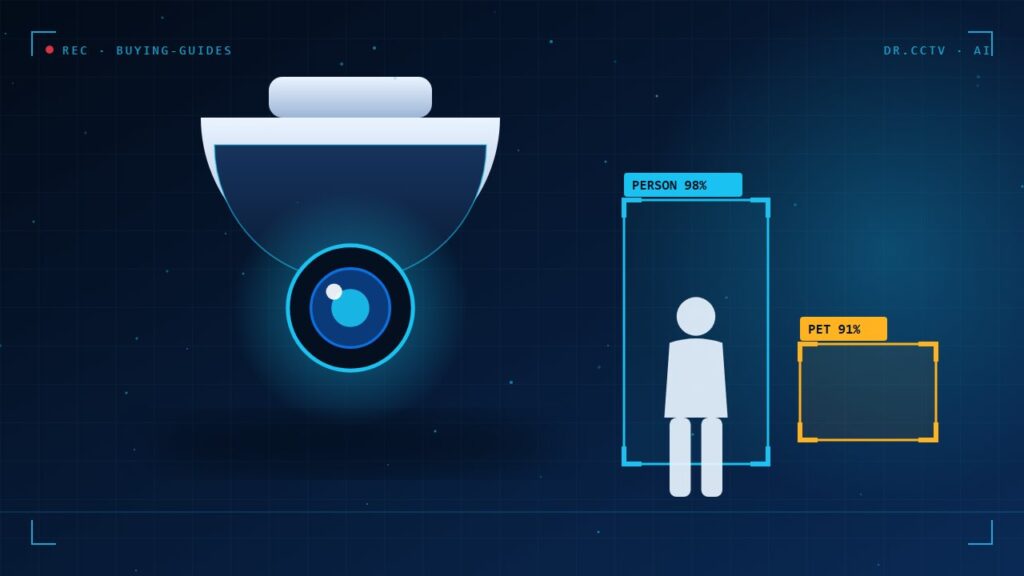
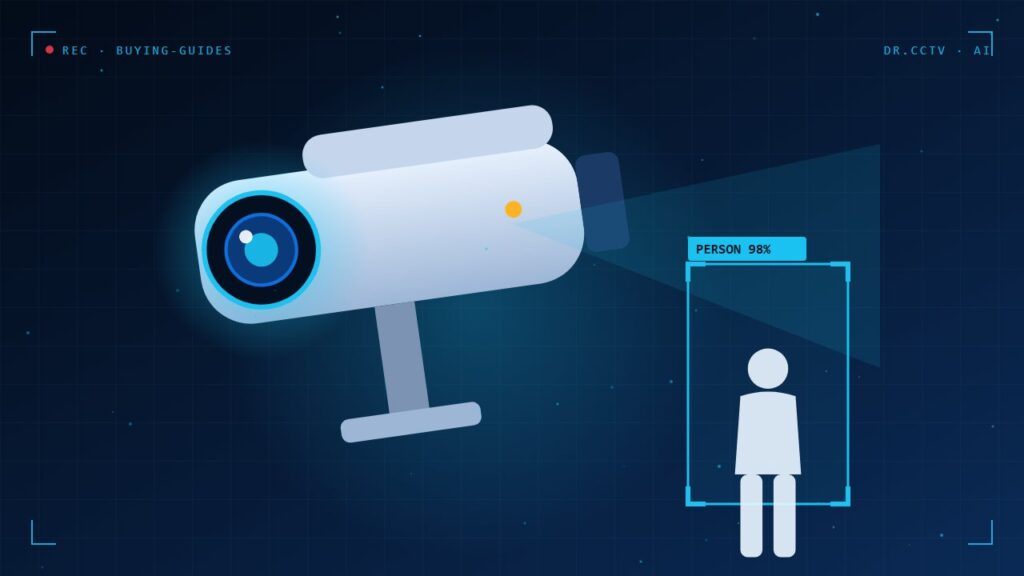
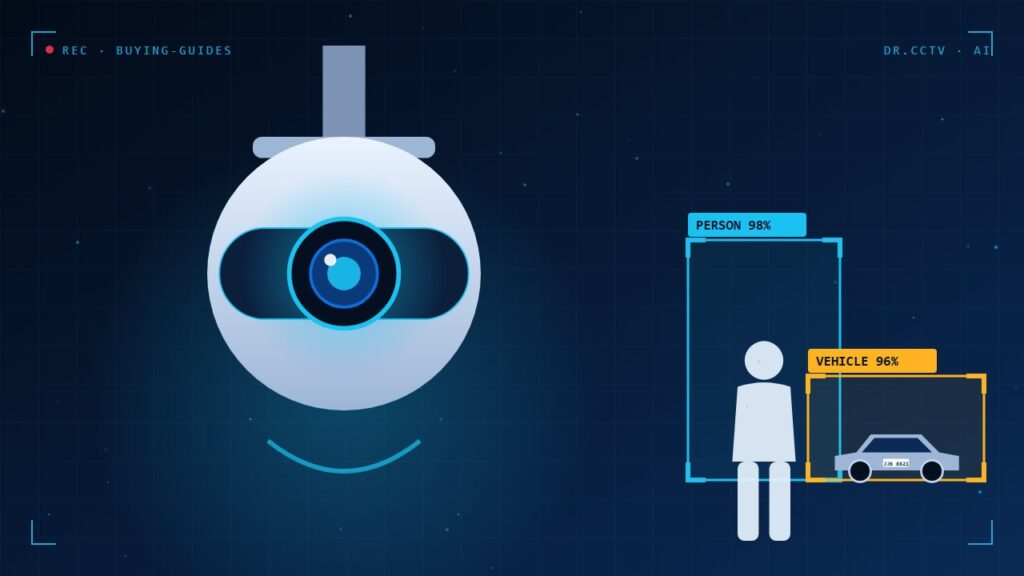
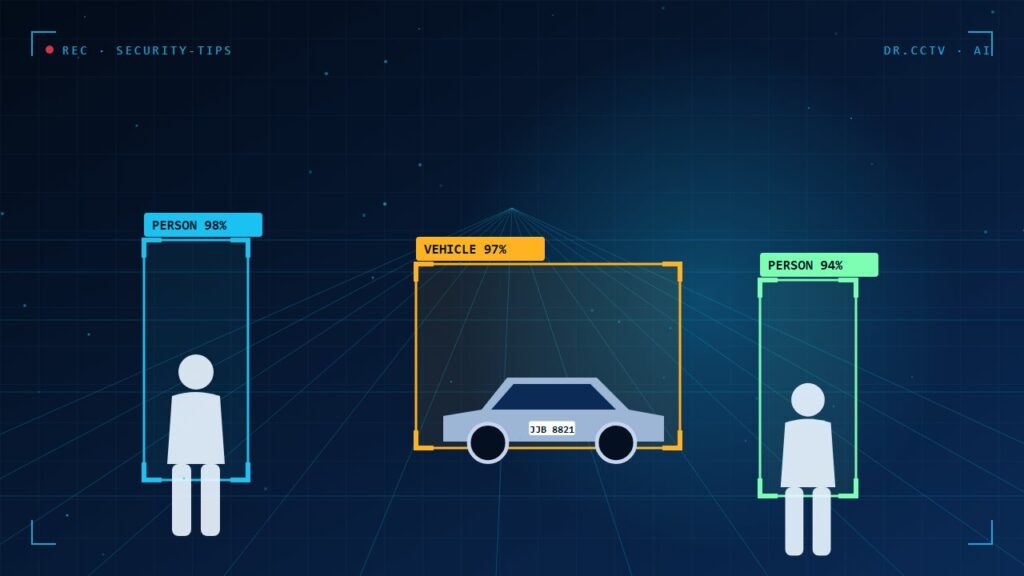
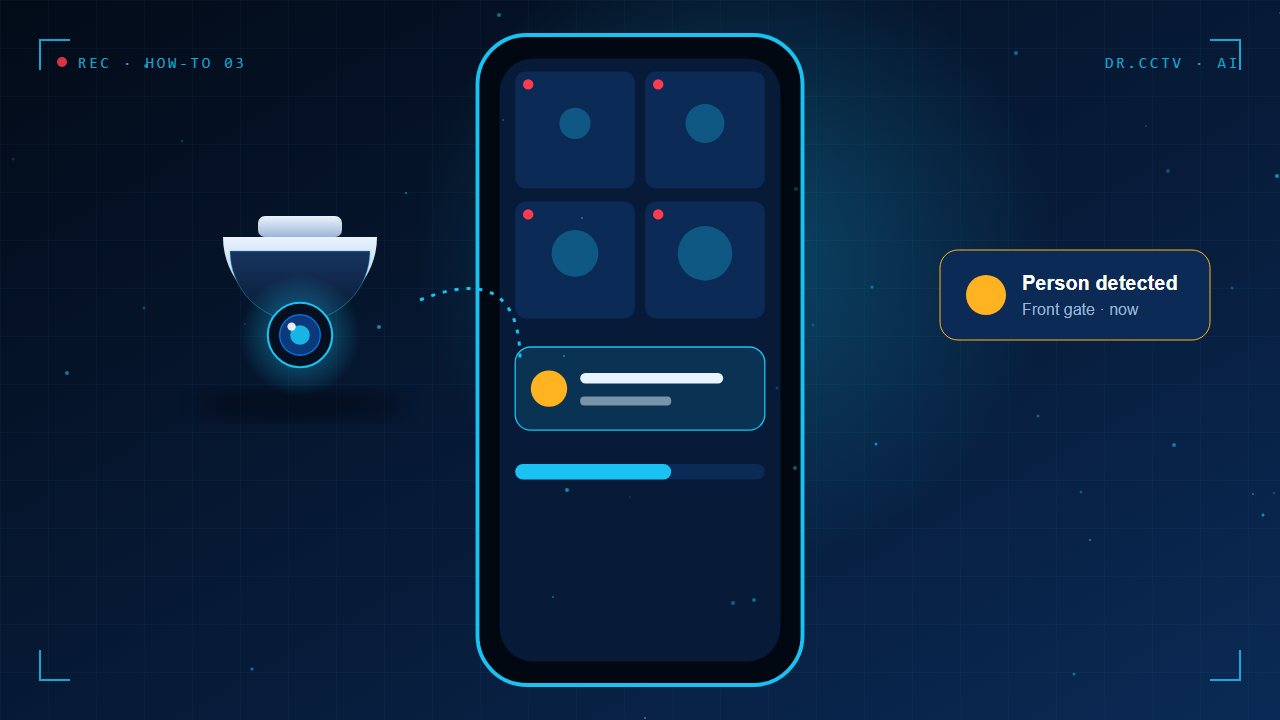
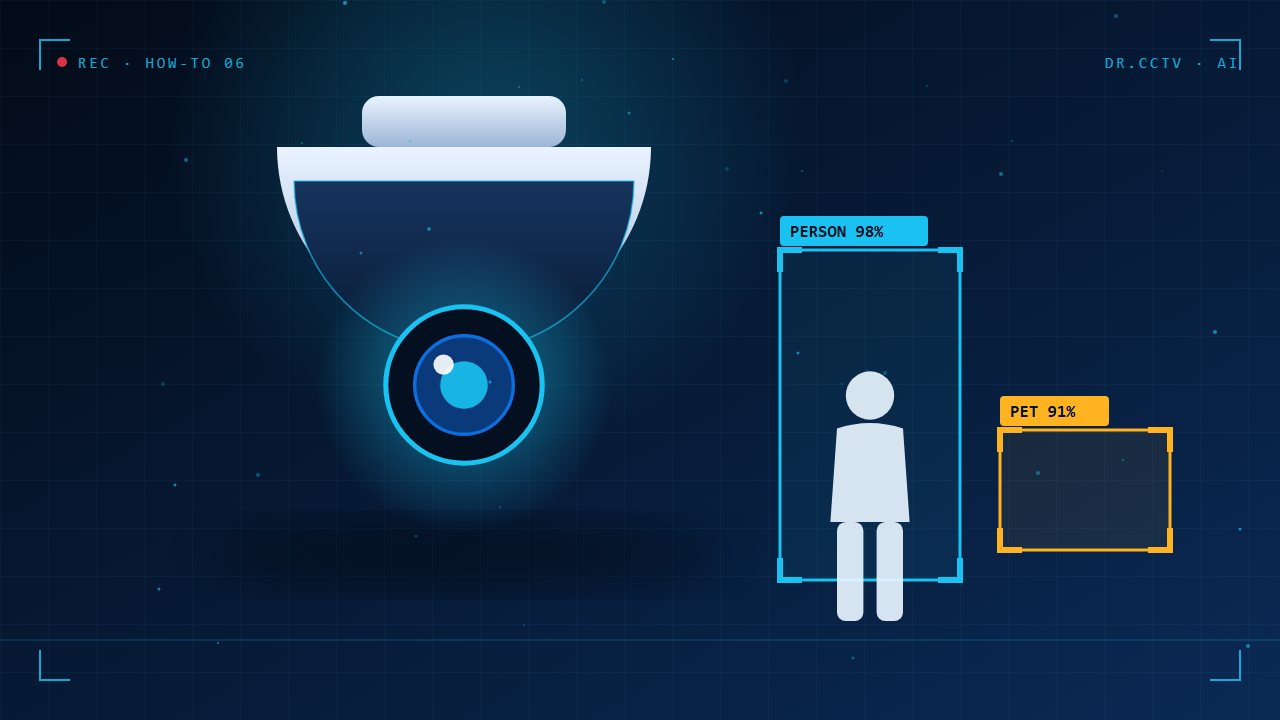
Enable push notifications and, if your cameras have AI, choose human and vehicle detection instead of general motion. You can set a schedule so that alerts only arrive at night or when you are away. Fewer, smarter alerts are what keep people from muting the app after a week.
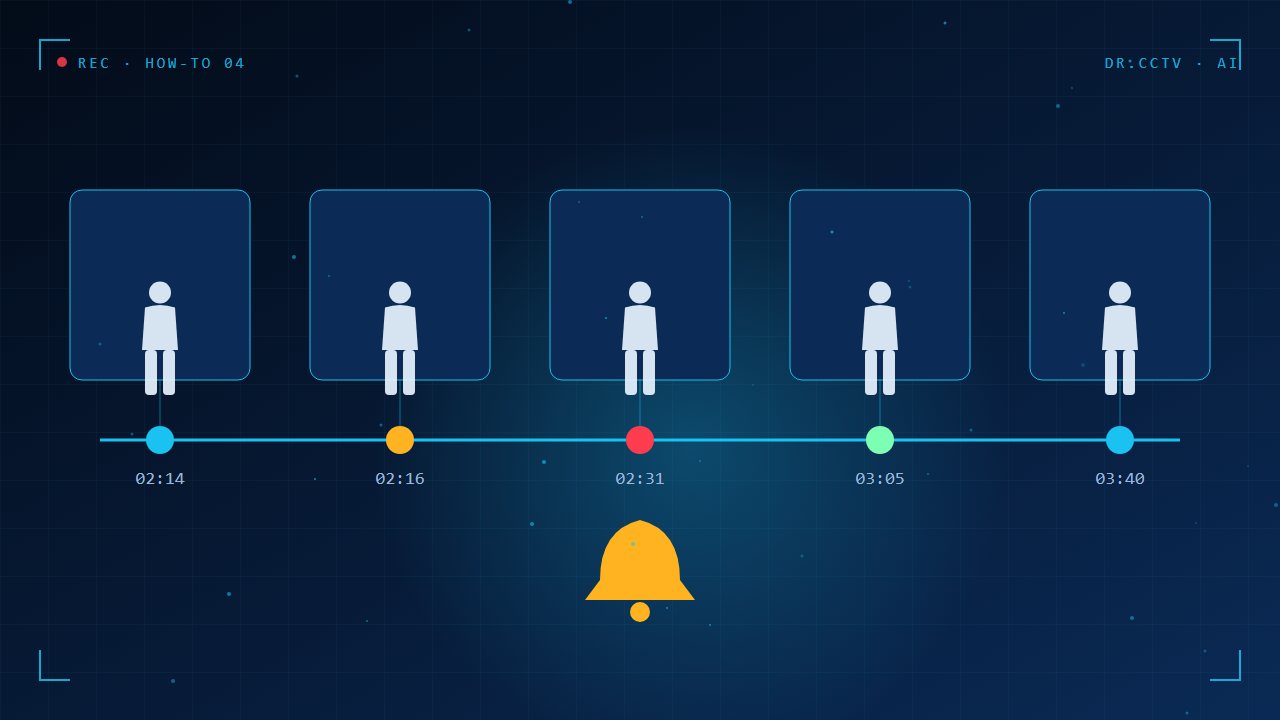
Step 4: Share access with family safely
Give family members their own login through the app's sharing feature instead of handing out your password. You can limit which cameras each person sees and remove access at any time. This keeps a record of who has access and avoids locking yourself out when someone leaves.
Step 5: Test it away from home
Switch your phone to mobile data and open the live view, then play back a clip from last night. If it works on mobile data, remote viewing is set up correctly. If it does not, restart the recorder and check the internet connection and the verification code.
Key takeaways
- Use the official app and the cloud service, not open router ports.
- Set a strong verification code and keep a copy.
- Choose human and vehicle alerts to avoid false alarms.
- Share access with individual logins and test on mobile data.
Further reading
Related articles from our blog:
- Protecting your CCTV system from hacking
- AI camera vs standard camera: which do you really need?
- CCTV maintenance checklist for business owners
Trusted external sources: Hik-Connect app and Hikvision support centre.
Frequently asked questions
Why is my CCTV app slow or showing offline?
Usually a weak upload speed, router restart or changed Wi-Fi password. Check the recorder's network cable and internet first.
Do I need a static IP to view CCTV remotely?
No. Cloud services such as Hik-Connect connect your phone to the recorder without a static IP.
Is remote viewing safe?
Yes when you use strong passwords, firmware updates and the app's cloud service. Avoid port forwarding.
Need help choosing?
Dr. CCTV by Yury Tech Sdn Bhd designs and installs CCTV, AI cameras, access control and alarm systems across Johor Bahru. Explore: AI Cameras, contact us, or book a free site survey and we will recommend the right system for your property.