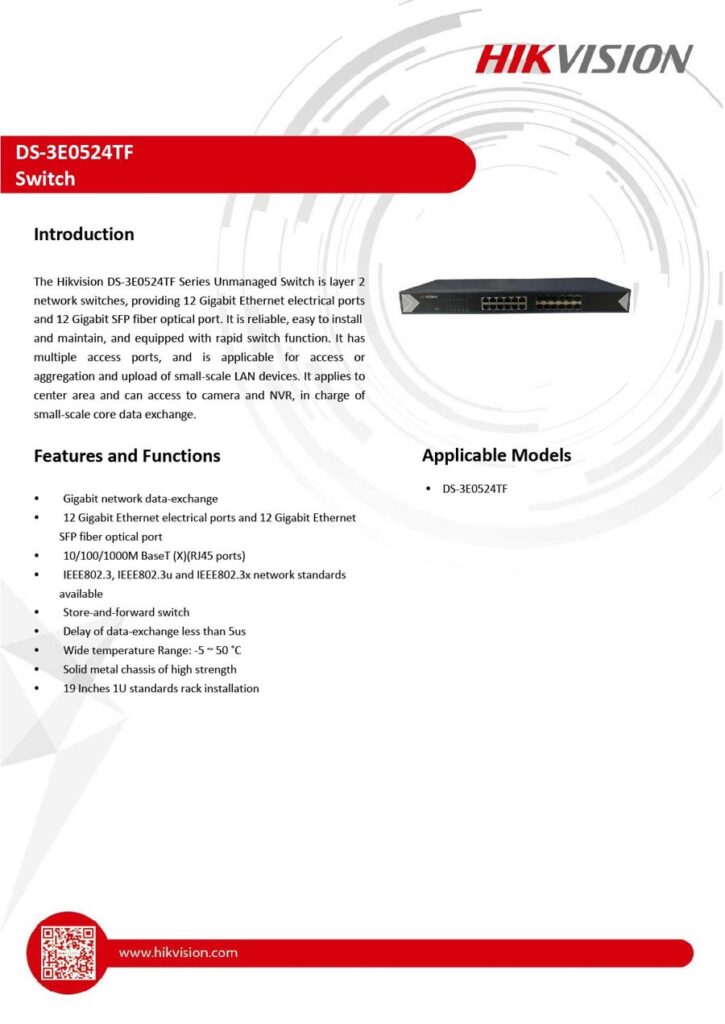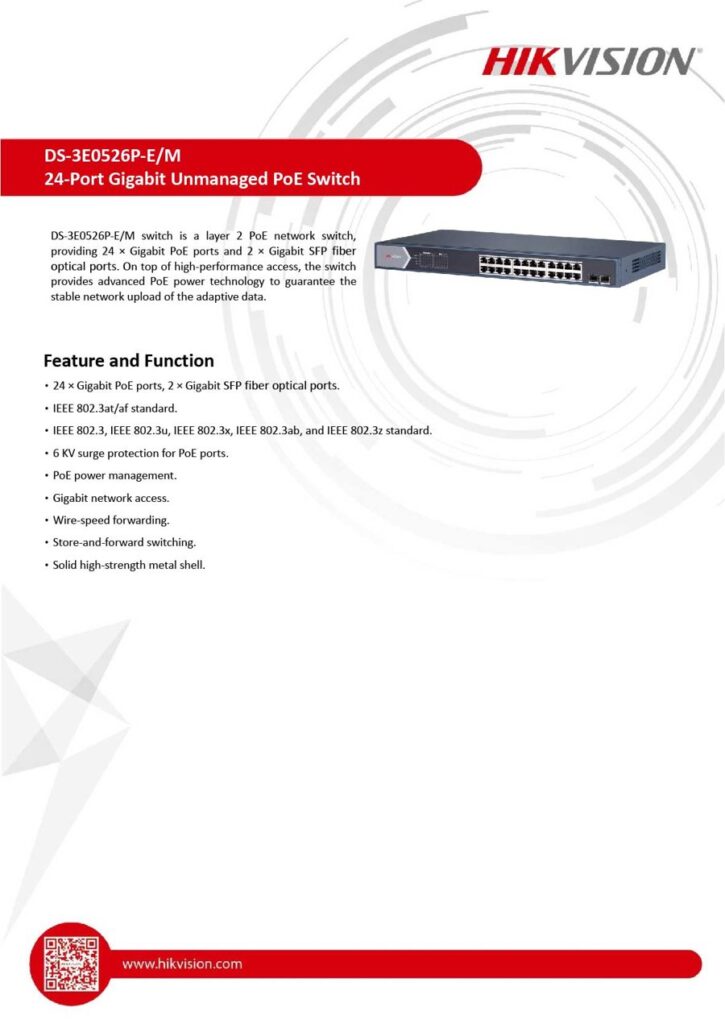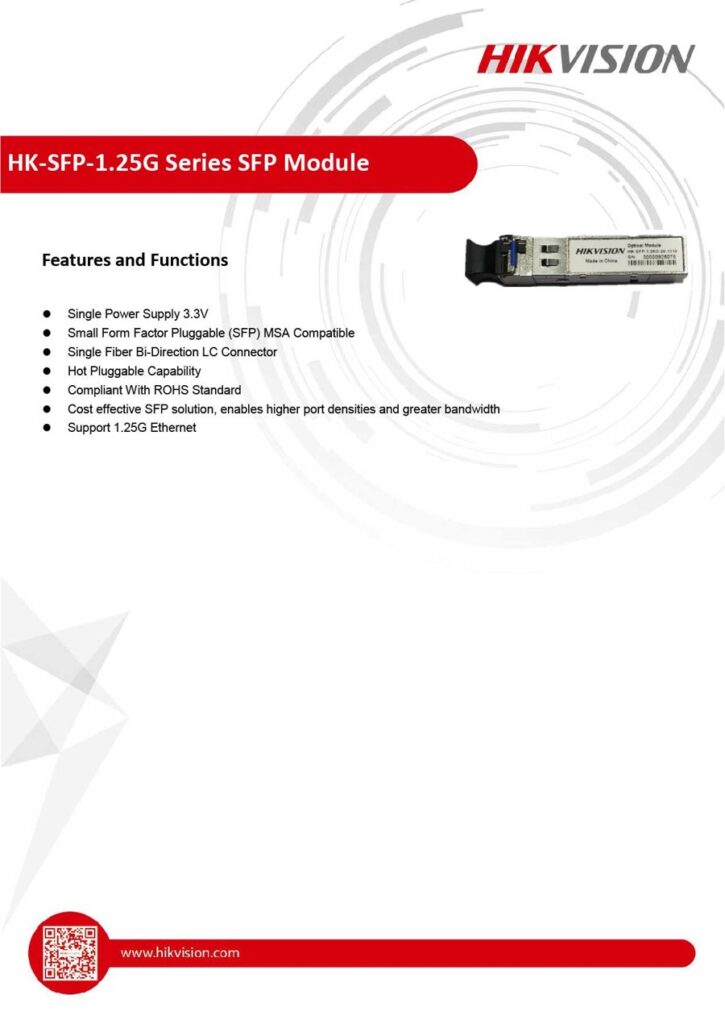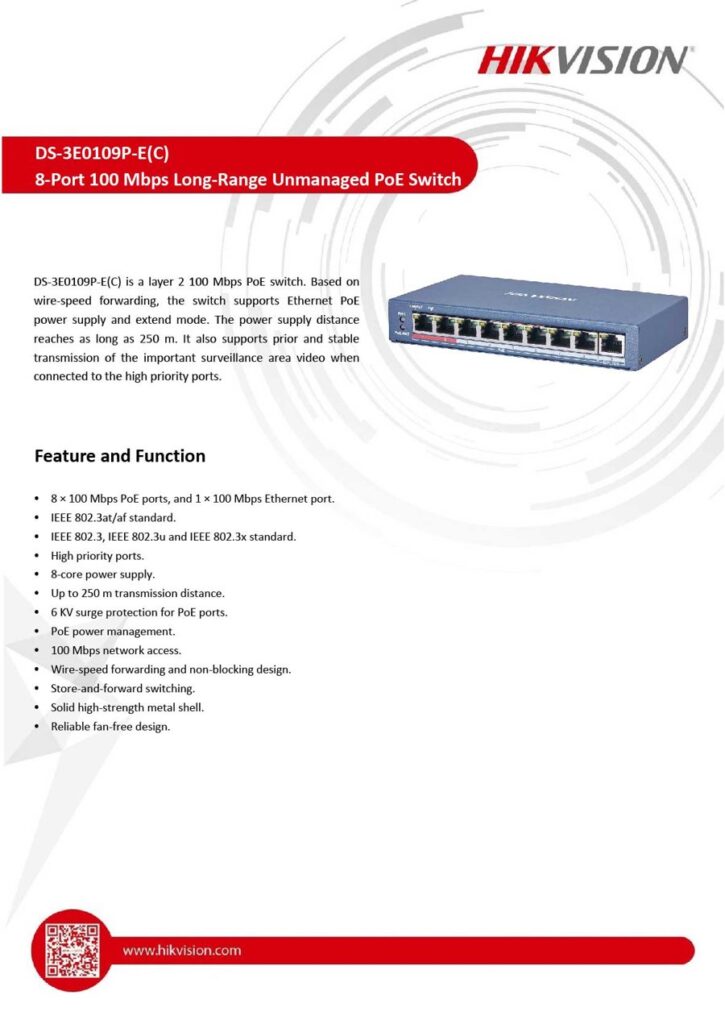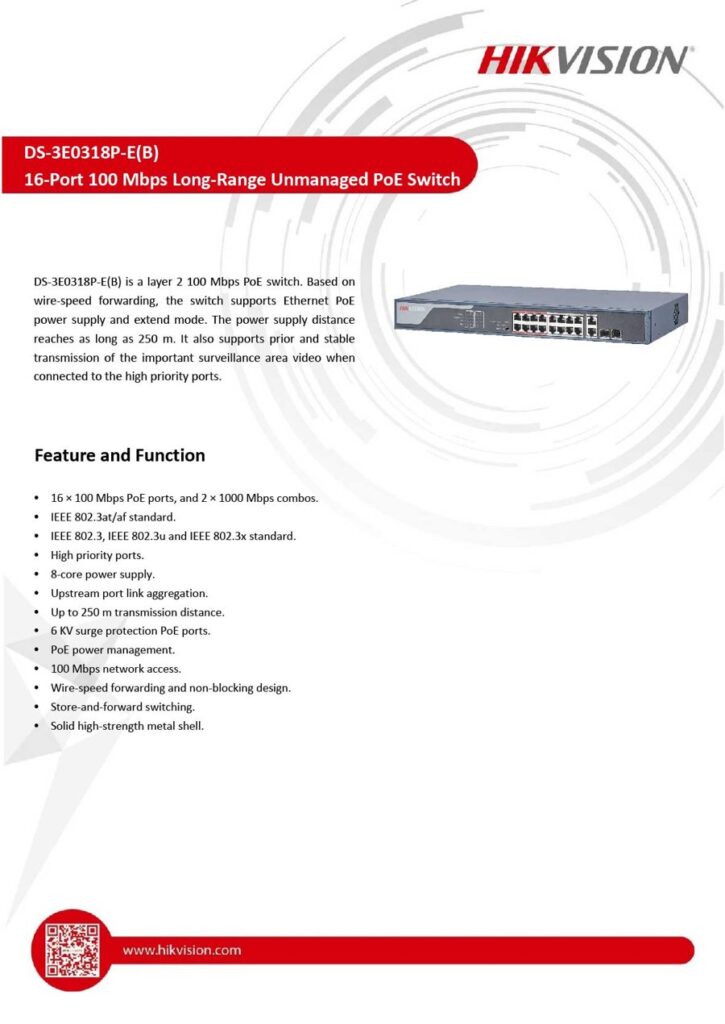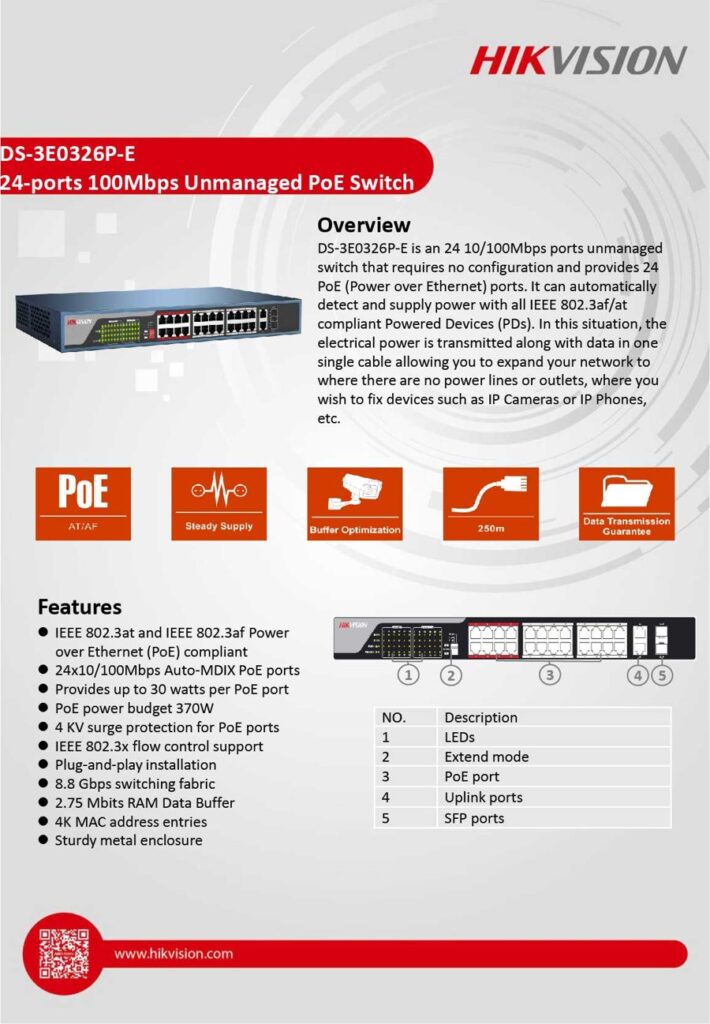
Power and connect IP cameras, access points and door stations through one network cable. We supply and install Hikvision PoE switches in Johor Bahru for homes, shops and factories.
A PoE (Power over Ethernet) switch sends both data and electrical power to a camera through a single network cable. For CCTV this means no power adaptor or socket at each camera, a cleaner installation, and one UPS at the switch that keeps every camera running during a power cut.
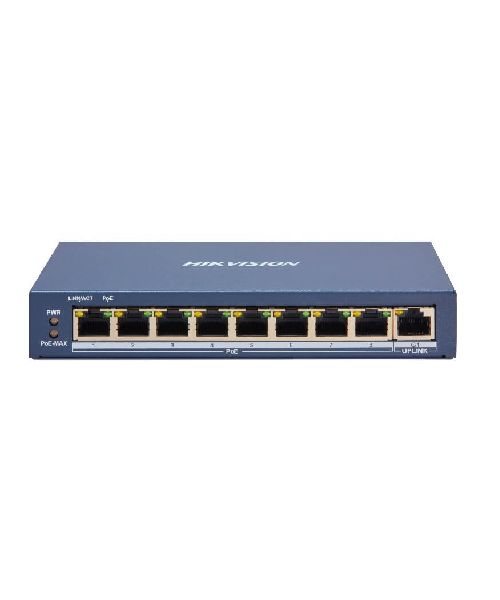
A Hikvision PoE switch is a network switch that supports Power over Ethernet. It lets IP cameras, wireless access points, video intercoms and other PoE devices receive data and power over one Ethernet cable, so there is no need for a separate power point at the device.
Hikvision switches are designed to work with Hikvision cameras and recorders. They are plug and play, offer high-speed data transmission and, on managed models, remote management, which makes them a cost-effective base for any surveillance network.
Yury Tech selects the switch by counting your cameras, adding up their power draw and checking cable distances, so the network stays stable instead of dropping cameras at night.
No separate power source at each camera. One cable per device means faster, tidier and cheaper installation.
Power and data travel together, reducing cable clutter and the number of failure points.
Add or move cameras by plugging into a free port, without disturbing the rest of the network.
Install cameras where there is no power outlet: car porches, perimeter walls, car parks and rooftops.
One UPS at the switch protects every connected camera, instead of one adaptor and one battery per device.
Fewer power supplies to fail and a single place to check the status of every connected device.
Model availability and specifications change. WhatsApp us the model you are interested in and we will confirm the details and give you a quotation.
Not every switch can power your cameras, and not every PoE switch suits every site. This is how the main options differ.
| Option | What it does | Best for |
|---|---|---|
| Normal (non-PoE) switch | Passes data only; every device needs its own power adaptor | Computers, recorders and printers |
| Unmanaged PoE switch | Plug-and-play power and data with no configuration | Homes, shops and small CCTV systems |
| Managed PoE switch | Adds VLAN, monitoring and remote control of each port | Larger sites, separate camera networks, factories |
| 100 Mbps vs Gigabit ports | Gigabit carries more video; 100 Mbps suits 2MP to 4MP cameras | Choose Gigabit for 8MP cameras and busy NVR uplinks |
| Long-range PoE switch | Extends cable reach beyond 100 m in extend mode (model dependent) at lower speed | Gates, guardhouses and far-away cameras |
| PoE vs PoE+ (30 W) | Standard PoE ~15 W per port; PoE+ ~30 W per port | PTZ and cameras with heaters or illumination |
Always check the exact model datasheet for port speed, PoE budget and cable distance before buying.
Not strictly, because cameras can use separate power adaptors, but PoE is the cleanest and most reliable way and is what we recommend for new installations.
It depends on ports and the total PoE budget. An 8-port switch normally runs up to 8 cameras if their combined power draw stays within the budget.
About 100 metres per cable segment. Long-range models, extenders or fibre can go further.
Standard 802.3af/at devices from other brands usually work, but we recommend testing and keeping to matched equipment for best support.
Yes. We supply, install, label and document the network, and can configure VLANs on managed switches.
WhatsApp us