
Check your CCTV monthly: clean the lenses, confirm every camera is online, play back footage from last week, review hard drive health, test remote viewing and check that the date and time are correct. Update firmware and change passwords every few months, and book a yearly professional service.
A CCTV system that is not maintained quietly fails: a camera goes offline, a drive stops recording or a lens fogs up, and nobody notices until an incident. A few simple checks each month keep your system reliable and your footage usable. Use this checklist and share it with whoever manages your premises.
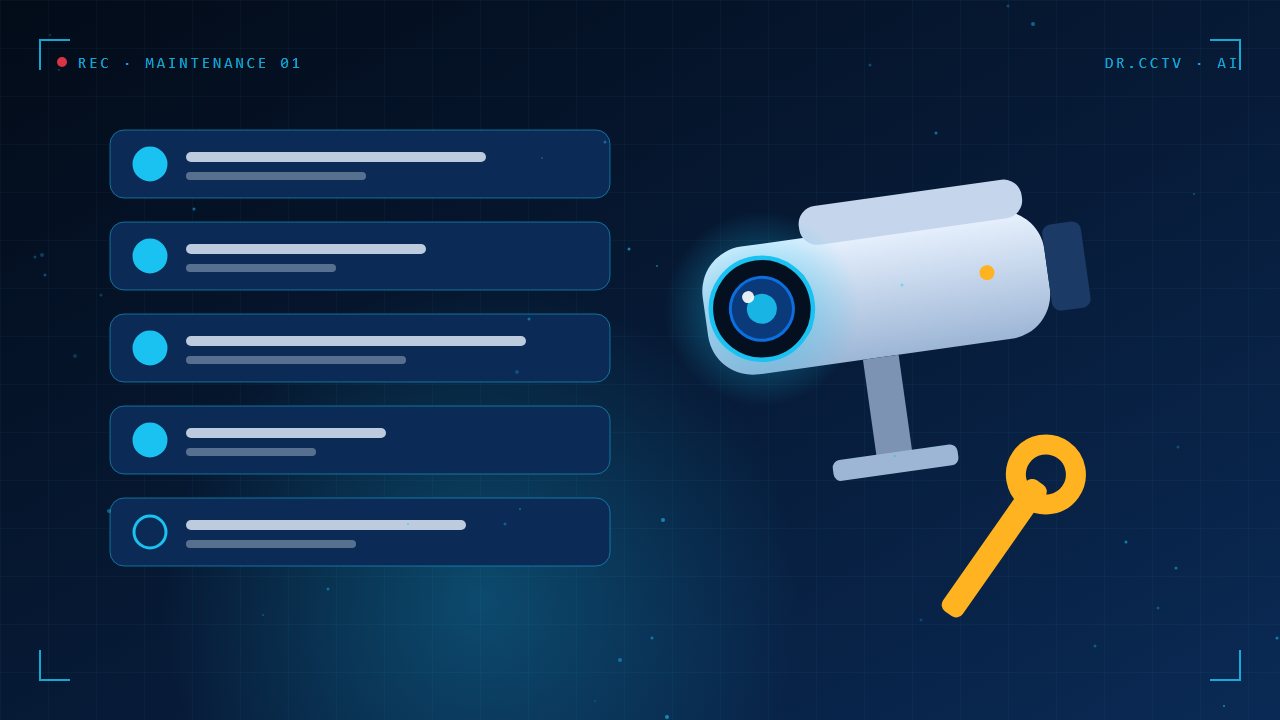
Check that every camera is online and clear
Open the live view and confirm that each camera shows a clean, correctly aimed picture. Look for spider webs, dust, water droplets and insects on the lens, and for cameras that have been knocked out of position. Wipe lenses gently with a soft cloth and lens cleaner, never with a rough or abrasive material.
Play back real footage
Live view does not prove that recording works. Choose a random time from last week and play it back on a few cameras. Check that the picture is clear, the timestamp is right and the playback has no gaps. This single test catches most hidden recording problems.

Monitor the hard drive and storage
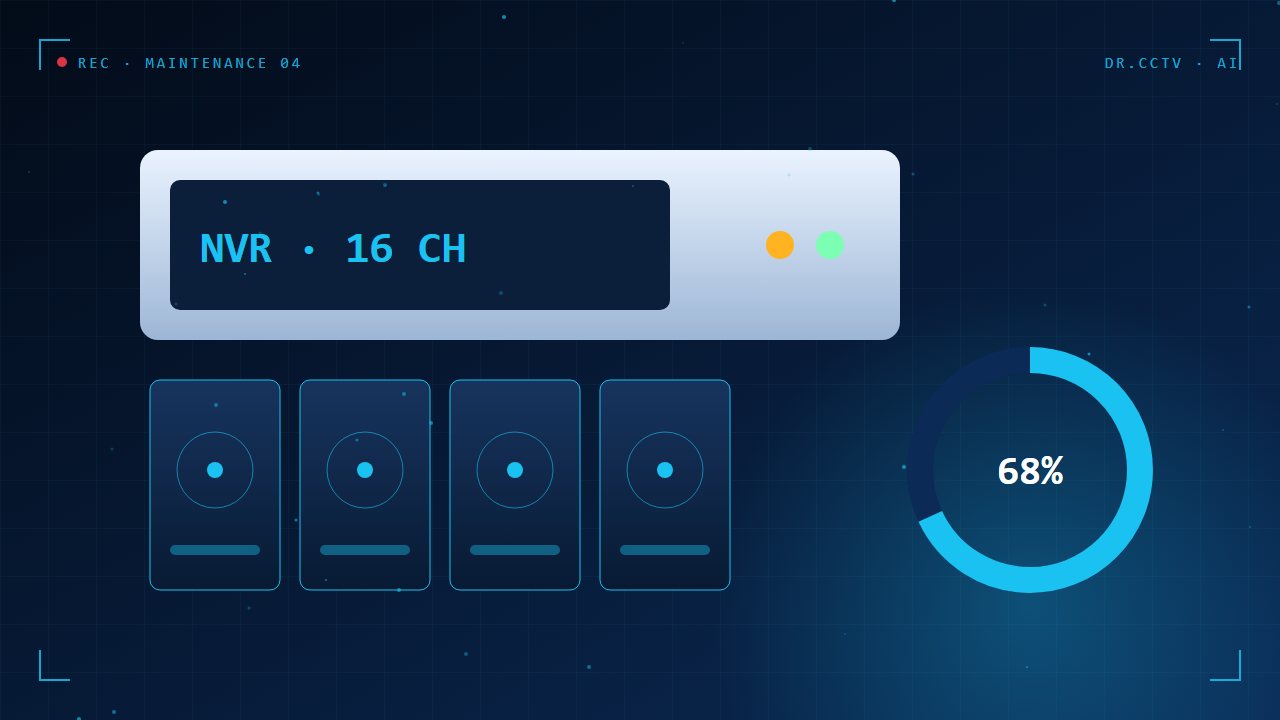
Check the recorder status for drive errors and remaining retention. Surveillance drives wear out with constant writing, so plan to replace them every three to five years. If the system warns about bad sectors or a missing disk, act immediately, because every day without recording is a gap in your protection.
Inspect cabling, power and the network
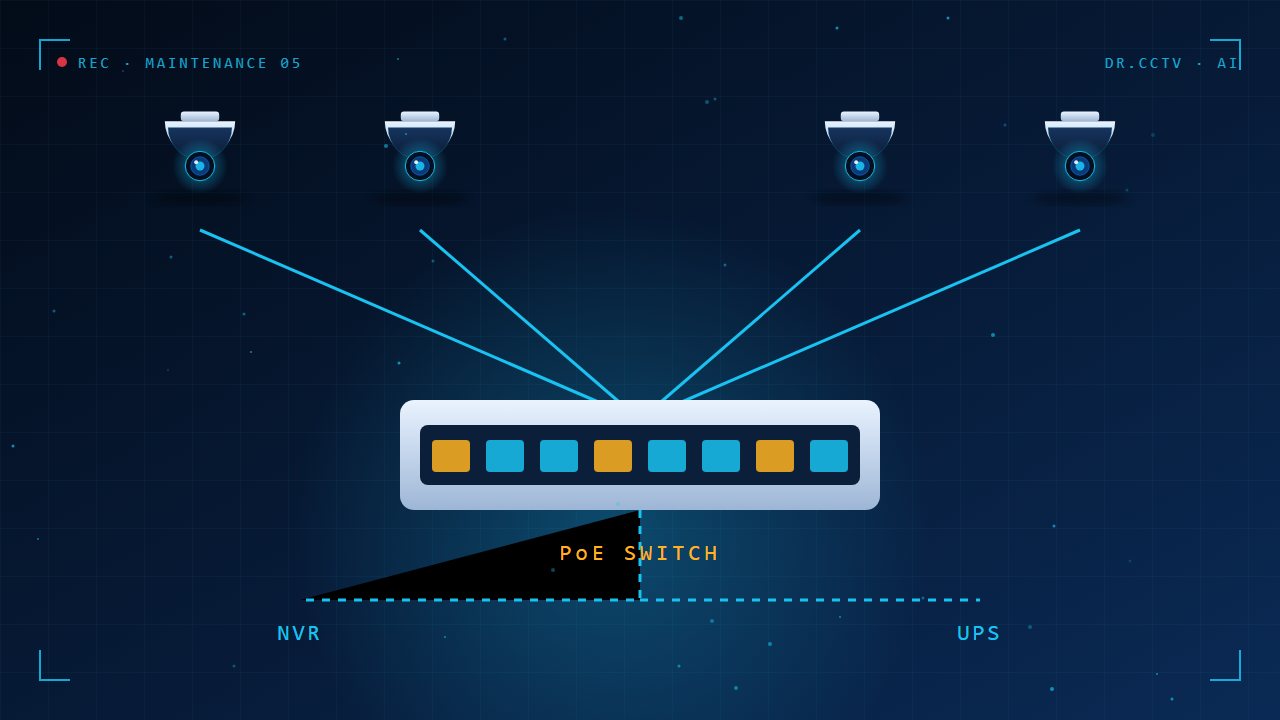
Look for damaged conduits, loose connectors and water ingress at outdoor joints. Check that the UPS battery is healthy, since a power cut is exactly when you need the system. Keep the recorder and switch in a ventilated area, as heat shortens their lives.
Update firmware and refresh passwords
Install firmware updates from the manufacturer, because they fix security weaknesses. Change administrator passwords after staff changes and at least once or twice a year. Remove accounts that are no longer needed, and check that remote access still works.

Key takeaways
- Check cameras, playback and storage every month.
- Clean lenses and check weatherproofing.
- Replace surveillance drives every three to five years.
- Update firmware and change passwords regularly.
- Book a yearly professional service.
Further reading
Related articles from our blog:
- How much CCTV storage do you need?
- Protecting your CCTV system from hacking
- How to view your CCTV on your phone
Trusted external sources: Hikvision support centre and Power over Ethernet (Wikipedia).
Frequently asked questions
How often should CCTV be serviced?
A quick owner check monthly and a professional inspection once a year is a good rule of thumb.
Why do my cameras look blurry?
Usually dirt, moisture, spider webs or a lens that has shifted out of focus. Cleaning solves most cases.
Does Dr. CCTV offer maintenance?
Yes. We provide maintenance and support for systems we install and many we did not. Contact us for details.
Need help choosing?
Dr. CCTV by Yury Tech Sdn Bhd designs and installs CCTV, AI cameras, access control and alarm systems across Johor Bahru. Explore: Services, contact us, or book a free site survey and we will recommend the right system for your property.