

CCTV storage depends on camera bitrate, number of cameras and retention days. As a rough guide, one 4MP H.265 camera recording continuously at about 2 Mbps uses roughly 20 GB per day, so 8 cameras kept for 30 days need about 5 TB. Motion or AI-event recording can cut that sharply.
Running out of storage is the most common reason a CCTV system fails when you actually need it: the footage you want has already been overwritten. Calculating the right hard drive size is easy once you understand four numbers. This guide gives you the formula and a worked example.
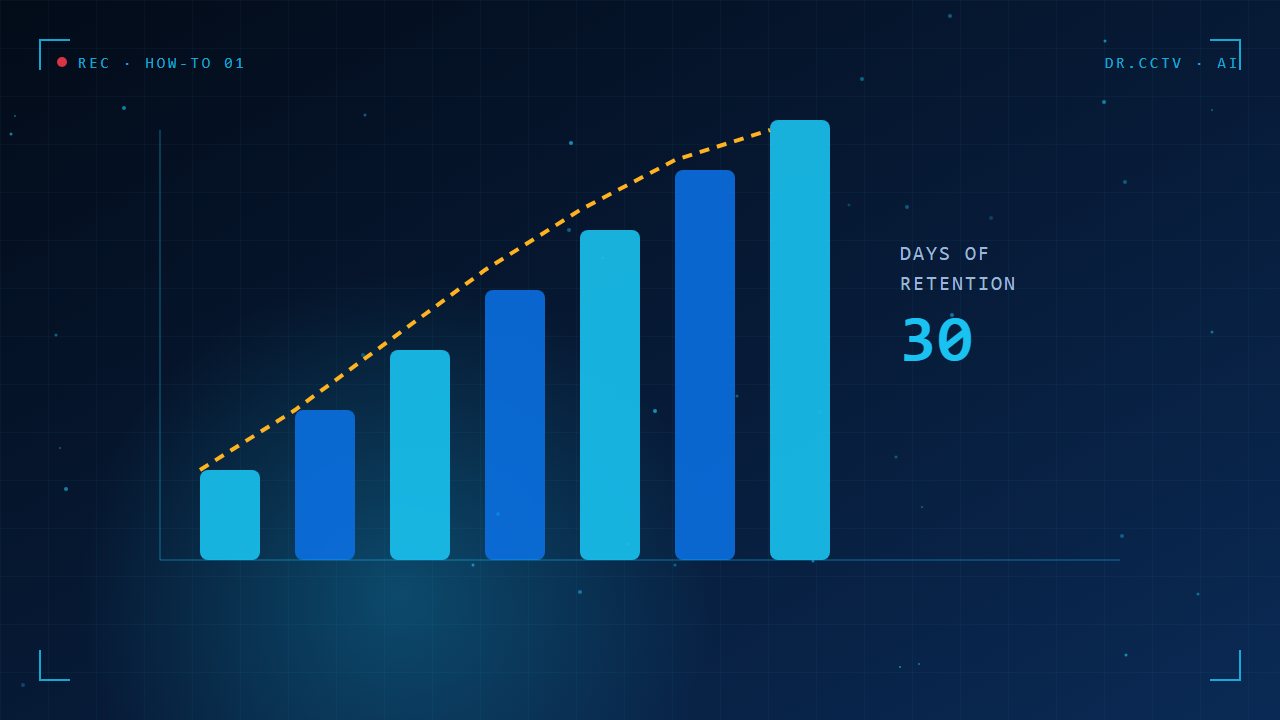
The four numbers that decide storage
Storage depends on how many cameras you have, the bitrate of each stream, how many hours a day they record, and how many days you want to keep the footage. Bitrate is the amount of data per second and is set by resolution, frame rate, compression and scene activity. A busy scene produces more data than an empty one.

A simple formula you can use
Multiply bitrate in megabits per second by 0.45 to get gigabytes per hour, then by 24 hours, by the number of cameras, and by the days you want to keep. A 2 Mbps camera uses about 0.9 GB per hour, around 21 GB per day. These are estimates; real figures vary with the scene and settings.

A worked example for a home
Eight cameras at 2 Mbps recording continuously use about 170 GB per day. Keeping 30 days needs roughly 5 TB, so a 6 TB drive is a sensible choice. If you only need 14 days, a 3 TB drive is enough. Always leave about 10 to 15 percent spare so the drive is never completely full.

How to reduce storage without losing evidence
Use H.265 compression instead of H.264 to save around a third to a half of the space. Record continuously at lower bitrate for quiet areas, and use event recording for areas that rarely see activity. AI cameras can record at full quality only when a person or vehicle appears, which stretches retention a lot.

Choosing the right hard drive
Use surveillance-grade drives that are built for 24/7 writing and many simultaneous streams, not standard desktop drives. Larger systems benefit from several drives and RAID so that a single drive failure does not erase your evidence. Plan to check drive health regularly and replace drives every few years.

Key takeaways
- Storage = bitrate x cameras x hours x days.
- A 2 Mbps camera uses about 20 GB per day.
- H.265 and AI event recording save the most space.
- Use surveillance drives and leave 10 to 15 percent spare.
Further reading
Related articles from our blog:
- NVR vs DVR: what is the difference?
- CCTV maintenance checklist for business owners
- AI camera vs standard camera: which do you really need?
Trusted external sources: High Efficiency Video Coding (H.265) and Hikvision official website.
Frequently asked questions
How long should CCTV footage be kept?
Many homes keep 14 to 30 days; businesses often keep 30 to 90 days depending on risk, disputes and internal policy.
What happens when the hard drive is full?
Most recorders overwrite the oldest footage. You still have a rolling record, but the retention period is shorter than you planned.
Can I add more storage later?
Usually yes, if the recorder has free drive bays or supports external storage. Check this when buying the recorder.
Need help choosing?
Dr. CCTV by Yury Tech Sdn Bhd designs and installs CCTV, AI cameras, access control and alarm systems across Johor Bahru. Explore: NVR, DVR & Storage, contact us, or book a free site survey and we will recommend the right system for your property.