Extend reliable Wi-Fi coverage across your home, office, factory or compound. We supply, install and configure access points in Johor Bahru with proper network cabling.
An access point (AP) connects wireless devices to a wired network. You need one when your router’s Wi-Fi does not reach everywhere, when many devices slow the network down, or when you must cover large areas such as multiple floors, warehouses, car parks or outdoor yards.
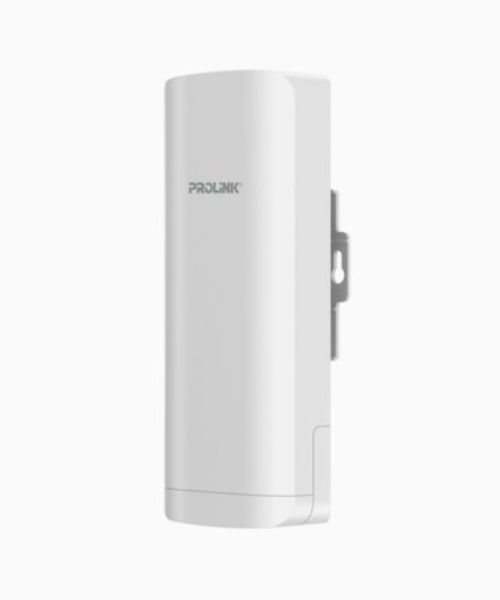
An access point acts as a central hub for wireless communication and extends the reach of your network. It is commonly used in offices, homes and public places to give laptops, smartphones and tablets a stable wireless connection.
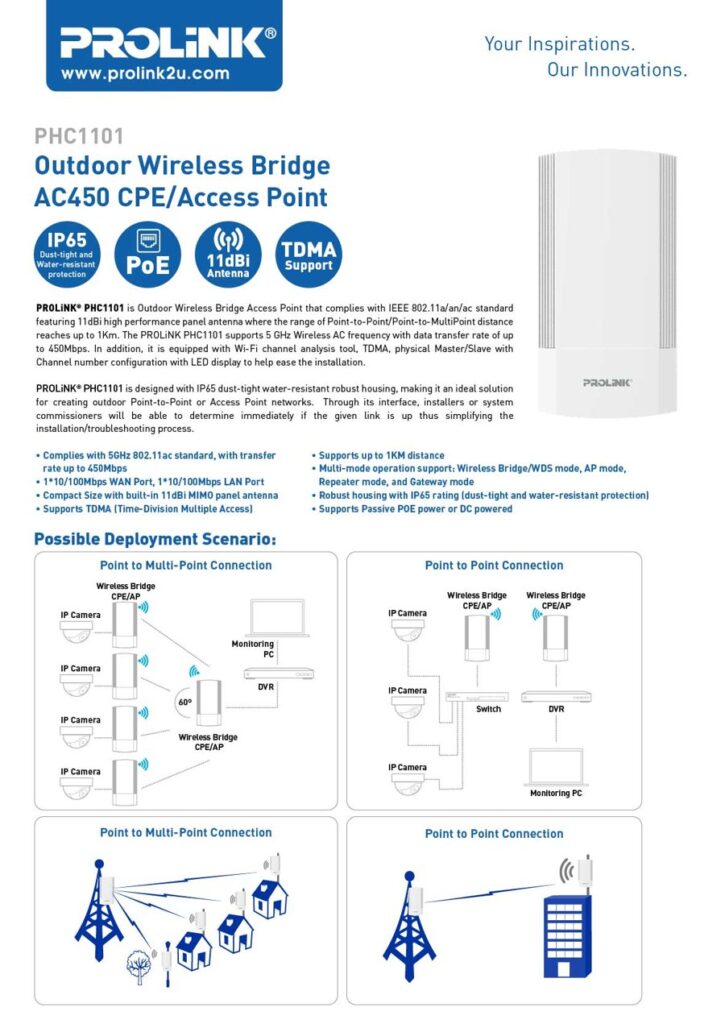
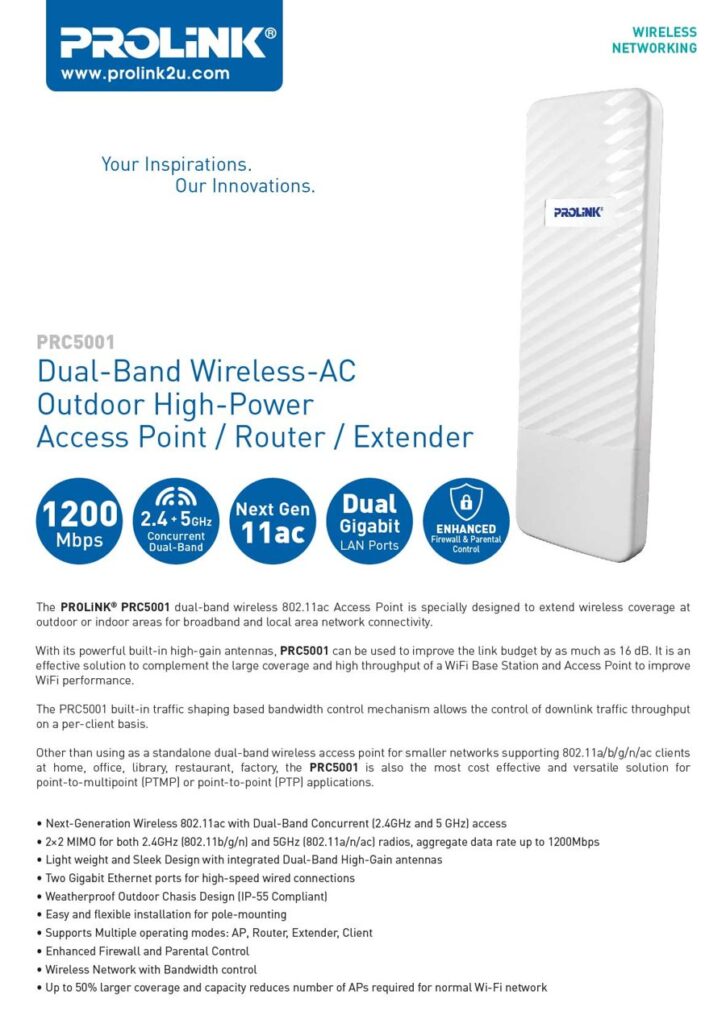
Access points come as indoor models for homes and offices, and outdoor models for large areas such as parks, campuses and factories. Wireless bridge access points can also link two buildings without trenching a cable.
We supply Prolink access points and wireless bridges and install them together with the cabling and PoE power they need, so coverage is planned instead of guessed.
Reach areas that were out of range of your router: upper floors, back lanes, storerooms and outbuildings.
Spreading users across several access points reduces load, latency and dropped connections.
Configure encryption, access controls and separate guest networks to protect your data.
Mount access points on ceilings, walls or poles wherever coverage is needed across floors and buildings.
Cheaper and quicker than running network cable to every device in the building.
Provides wireless links for cameras, gates and remote sites when cabling is not practical.
Model availability and specifications change. WhatsApp us the model you are interested in and we will confirm the details and give you a quotation.
Both provide Wi-Fi, but they do different jobs. A router manages the network; an access point extends the wireless coverage.
| Feature | Router | Access point |
|---|---|---|
| Function | Connects devices to the internet and directs traffic between them | Provides wireless connectivity to a wired network |
| Connection | Wired connection to the internet line | Wired connection to a router or switch |
| Range | Single location, limited coverage | Install several to cover large areas |
| Management | Built-in web interface for the whole network | May use a controller for central management |
| Security | Firewall and NAT to protect from external threats | Encryption and access controls for wireless devices |
| Best for | Small homes and as the internet gateway | Offices, multi-storey buildings, outdoor areas |
Many homes and offices use one router plus one or more access points for the best result.
An extender repeats an existing wireless signal and halves speed; an access point connects by cable and delivers full performance.
No. An access point needs a router or switch behind it. Some models also work as a router or extender in different modes.
It depends on area, walls and the number of users. A site survey tells you the right number and positions.
Yes. Most business access points support PoE, so one network cable provides data and power.
Yes. We install outdoor bridge access points to link buildings, gates and yards where cabling is not practical.
WhatsApp us